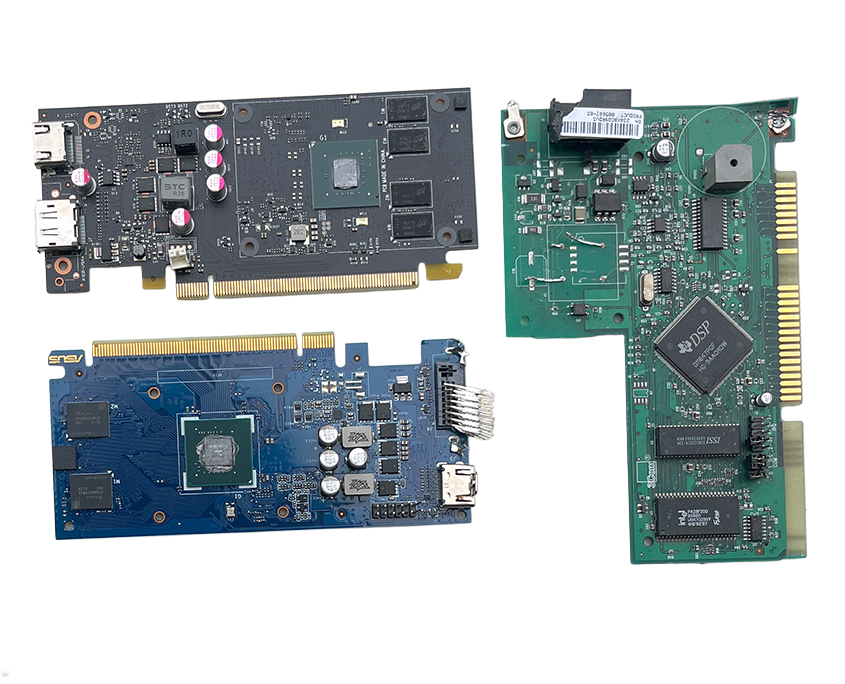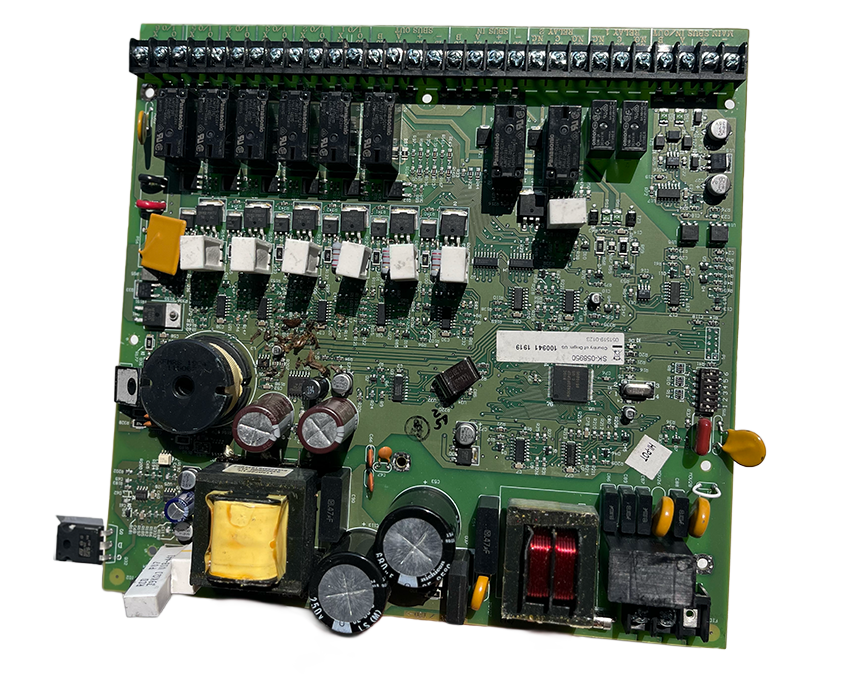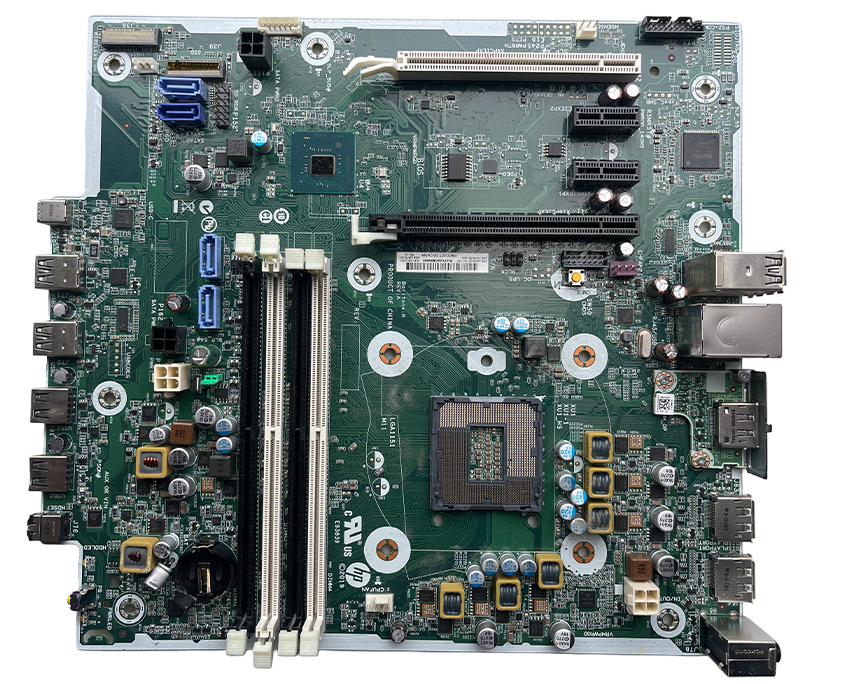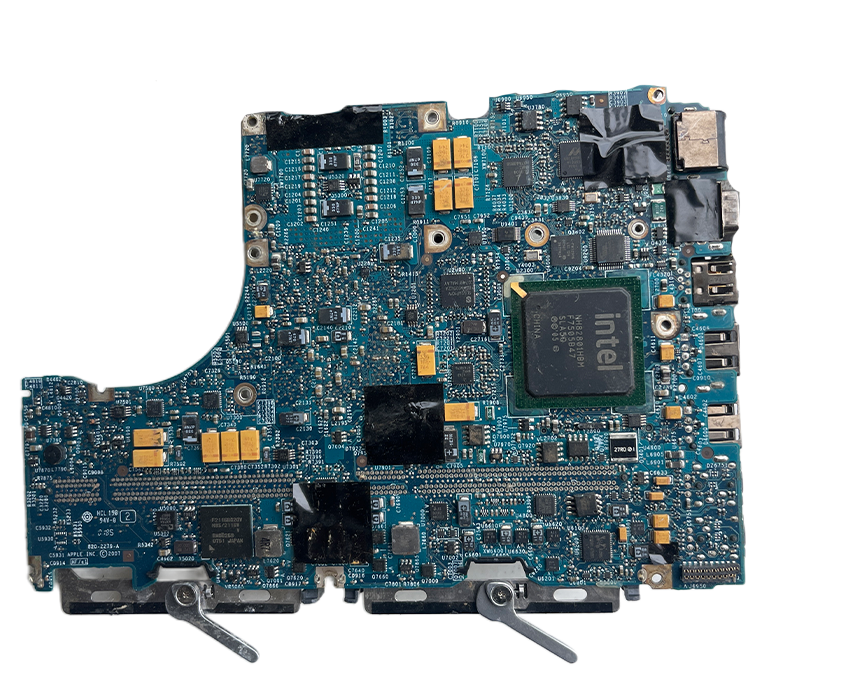
Tag Archive for: Copper Circuit Board

scrap a computer for metalsWondering what to do with that outdated computer you have lying around the house? If you are, you can scrap a computer for metals and recycling the components is the way to go. It ensures you dispose of the electrical components correctly and reduces carbon input into the atmosphere.

Many people don’t know that old computers that were big and noisy usually came with many components. Some of these components contain precious metals like copper, gold, and aluminum. Most of these components are no longer used in the current generation of computers that are sleeker, smaller, and less bulky.

Most private and government institutions dispose of their computers after upgrading their machines to newer ones that run faster. You can benefit from such disposal events which also happen in schools, banking institutions, and other businesses. Craigslist is also a good place to look for older computers. Many of the organizations that own outdated computers do not know what to do with the copper and other components found inside the old computers.

The best thing is that you don’t need a lot of technical skills to scrap a computer for metals. In fact, basic skills and tools like screwdrivers, pliers, and wire cutters are enough to scrap a computer for metals. You will then need to know what to do with the copper components derived after you scrap the computer for metals.

To scrap a computer for metals, you need to separate various components that contain different metals. Components like the RAM chips, Hard disk drives, connecting wires, and the motherboard all have some precious metal content.

The design of older models of computers also works to your advantage when you want to scrap a computer for metals. This is because the casings are designed to allow easy access to the interior parts. Note that this design was not a flaw; rather, it eased maintenance and parts replacement. The on-board components which are what you will be seeking when you scrap a computer for metals also come off easily.

Tools You Will Need to Scrap a Computer for Metals

The following tools are important when you want to scrap a computer for metals:

  • Flathead screwdriver
  • A pair of pliers
  • Wire cutters
  • Hexagonal head screwdriver
  • Insulation tape
  • Containers of varying size

After assembling all the tools needed, you are now ready to open the computer and scrap it for metals.

Steps to Follow to Successfully Scrap a Computer for Metals

Step 1 – Opening the Central Processing Unit

The outer casing on a tower CPU is very easy to open. It will mostly be held in place by two screws at the back. The screws can be loosened using the flathead screwdriver and then removed by hand. With the screws off, one side of the casing should come off by unlatching the cover from the frame of the casing. You will then need to use a bit of force if it is held on too tight. A trick that experts who have years of experience scrapping a computer for metals share is to use both hands to remove the case cover. Both thumbs should hold the CPU down while the other fingers hold on to the cover and force it off the frame.

Once you successfully remove the cover, you now have unrestricted access to the interior of the CPU and can scrap the computer for metal parts with ease.

Step 2 – Removing Screwed in Components

The interior has various parts held in place by screws. Begin by unscrewing the power supply unit, which is located at the top corner of the CPU. From here, move to the front and unscrew the disk drives and hard disk drives. These are usually held in place by four screws each. Inspect the shape on the head of the screw and select the screwdriver head that matches the screw head to avoid damaging it. If the screw has a straight indentation, use the flathead screwdriver. If it has a star-shaped head, however, use the star-shaped or Philips screwdriver.

Step 3 – Removing or Cutting off Wires

With the interior components unscrewed, you can now start unplugging the connecting wires that link various components. The disk drives and hard disk drives usually have clips at the end that you can pry out by pressing on the clip in latches. You need to be keen here to get the complete wires instead of cutting them midway. The opposite end where the wires go inside the power supply unit do not have clips. This is where the wire cutter tool comes in. You should try to get the wire cutter tip as close to the end of each wire as possible. This gets you the maximum length of wire possible when you scrap a computer for metal parts. The wires have a plastic cover but are exposed at the ends. Organize all the wires that you pull out of the computer into a pile. The wires have a lot of value because they contain insulated copper which makes part of the components you need for copper recycling.

Step 4 – Removing Components

Once you have removed all the wires and unscrewed the various components you can now begin to pull them out. The power supply should lift off quite easily while the disk drives and hard disk may need a little wiggling. Separate the disk drives by placing them in a pile and the hard disk and power supply in a separate pile. Fans and other plastic covers that might be holding the disk drives in place should be pried out using a flathead screwdriver and placed separately. These don’t have any metal content and should be disposed of separately.

Step 5 – Removing the Motherboard

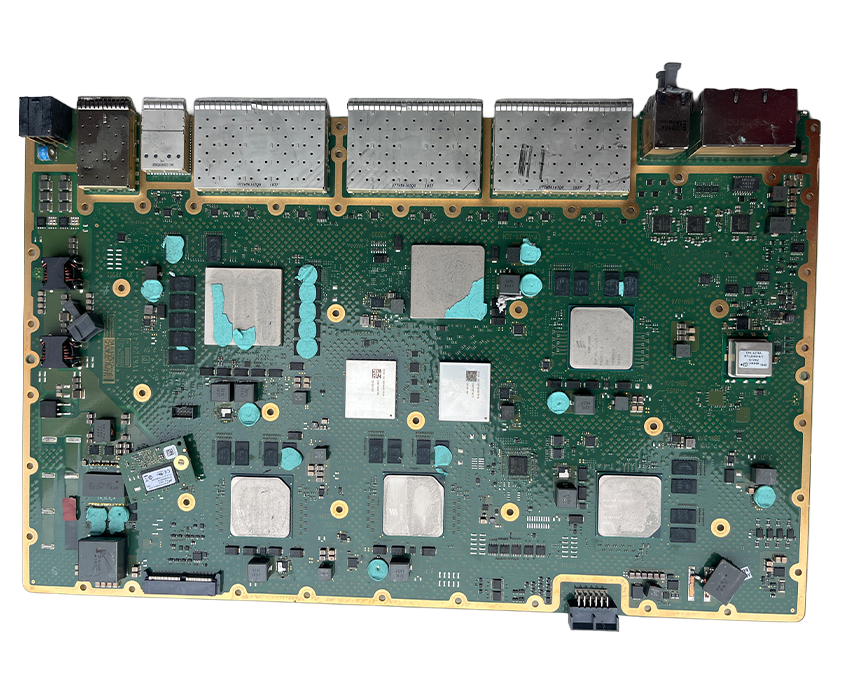
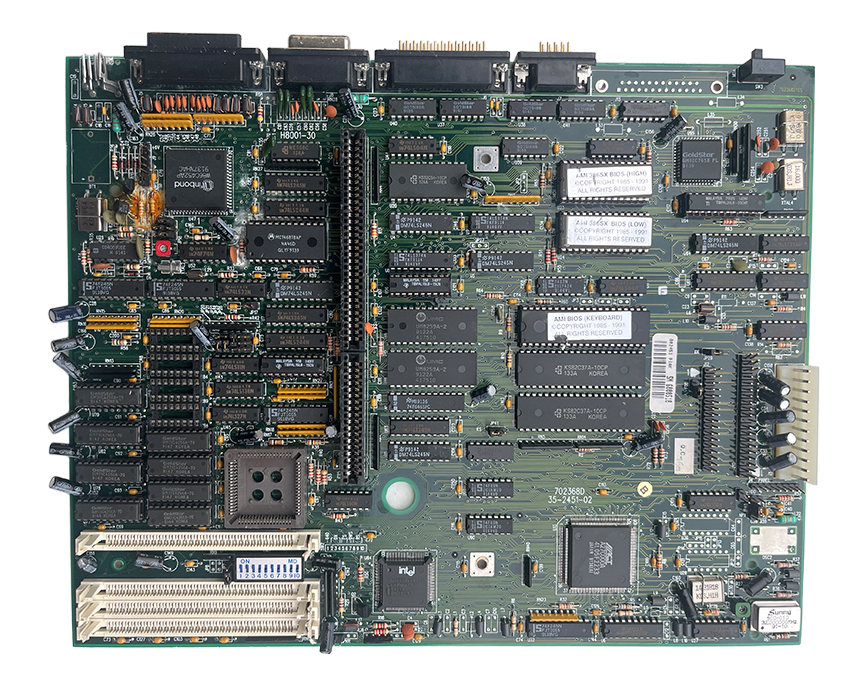
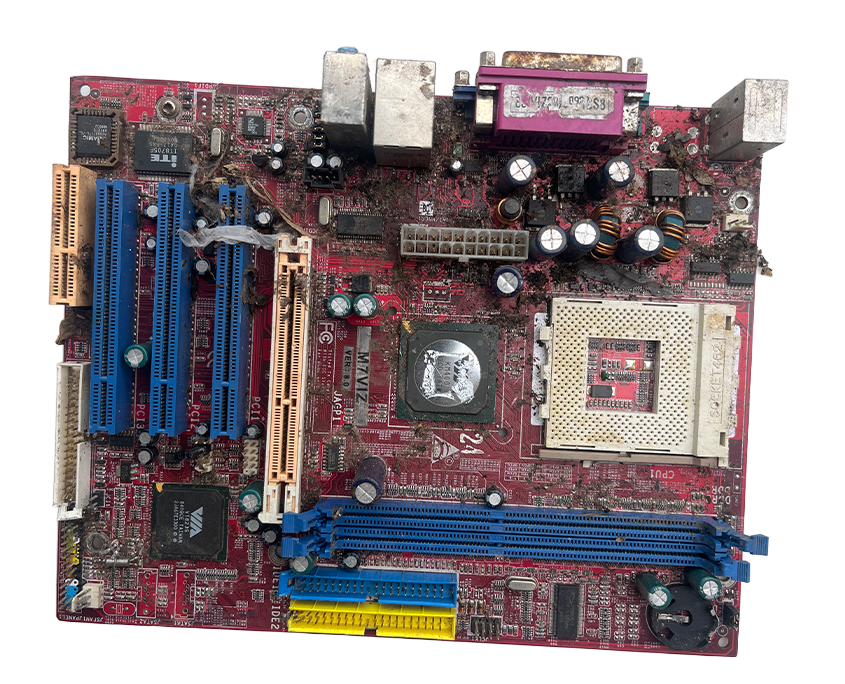
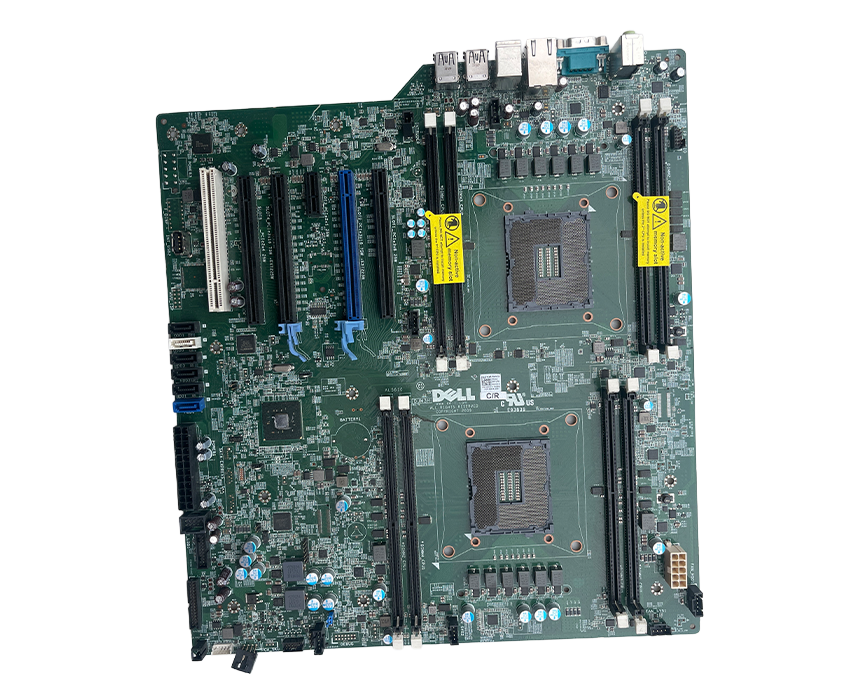
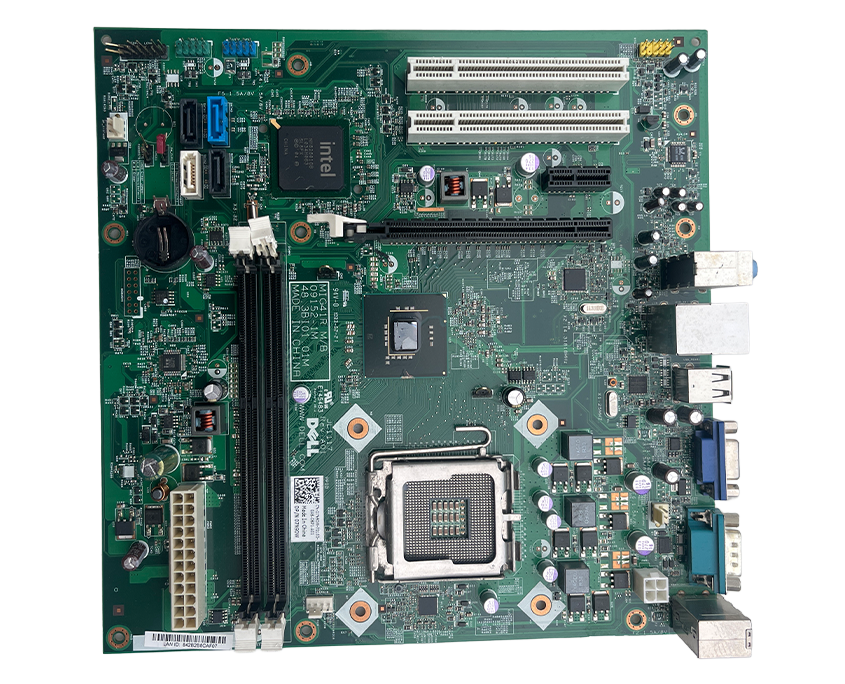
With disk drives, the power supply, hard disks, and connecting wires out of the way, you should now have access to the motherboard and the screws that hold it in place. Use the correct screwdriver head to loosen the screws holding the motherboard down. Ensure you inspect the heads of the screws and use a matching screwdriver to make the job easier and to avoid damaging the screws. After loosening the screws, you can now lift off the motherboard from the casing and work on it separately.

Step 6 – Unplugging the Onboard Components from the Motherboard

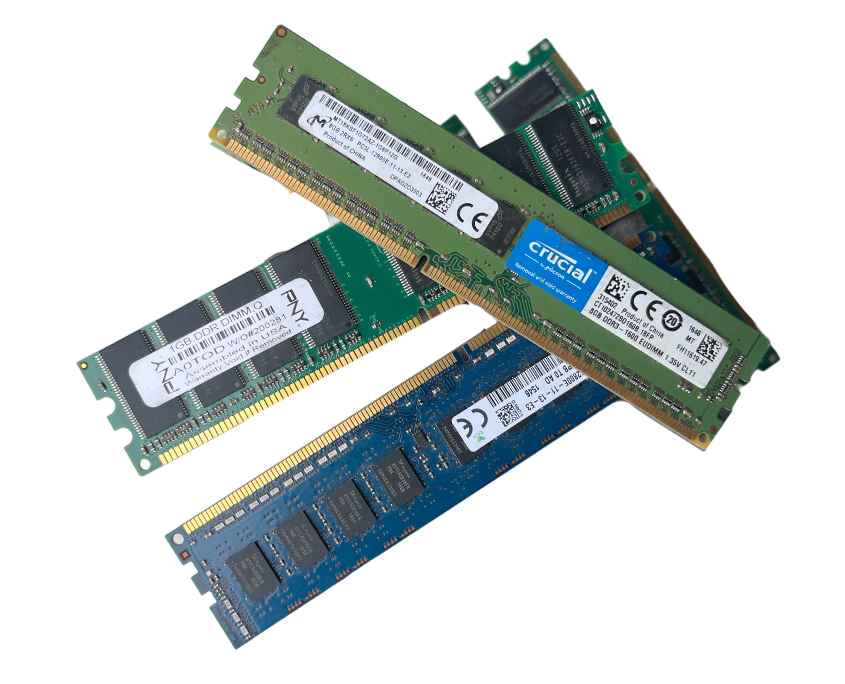
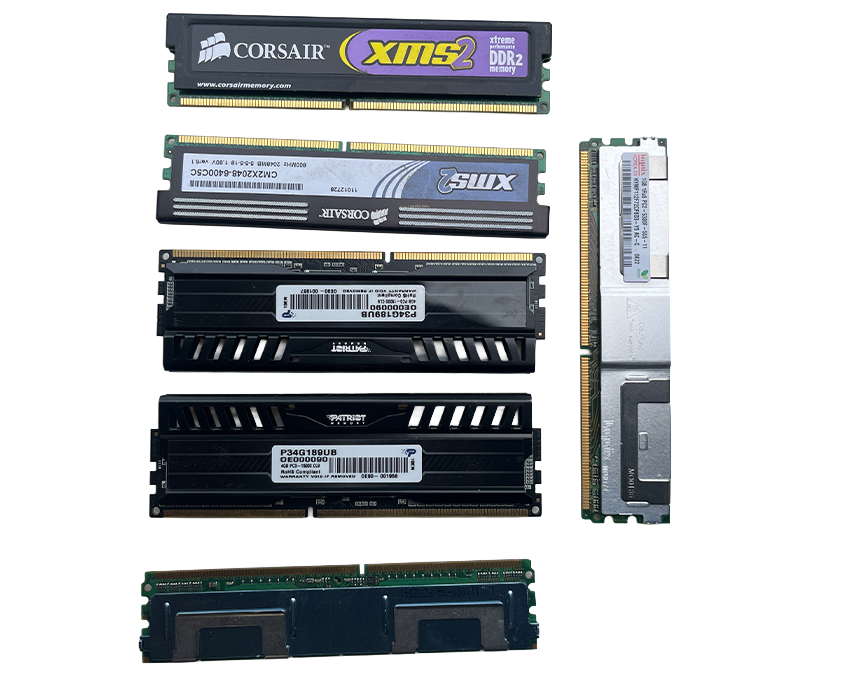
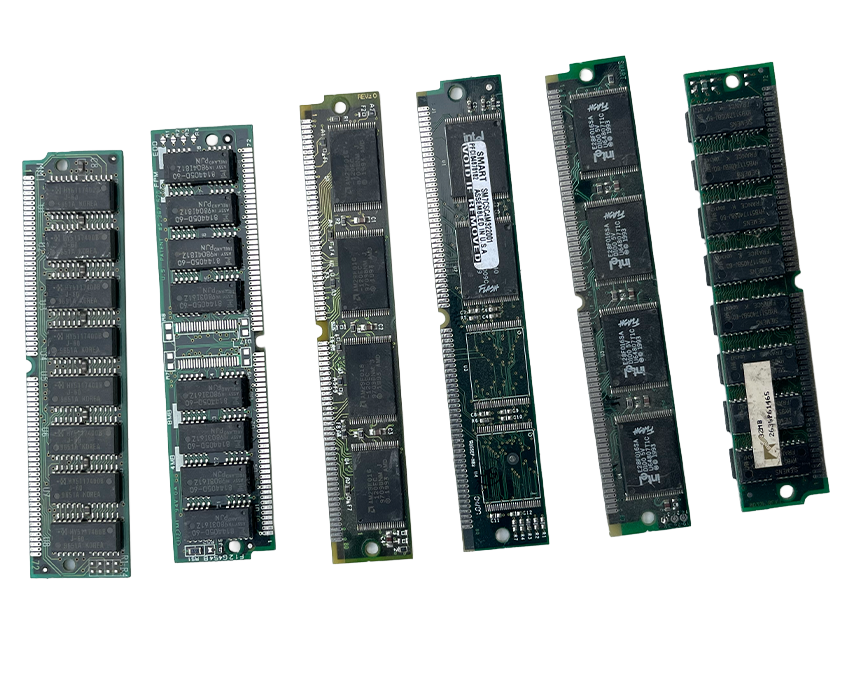
The motherboard has many small-sized components that are plugged into it. Most of them, however, simply come off after unclipping the clips that hold them in. The RAM chips, for example, have two clips on both sides that hold them in place. Once you pry open the clips, removing the RAM chips is as easy as lifting them off. Heat sinks are the next components you need to remove from the motherboard. These can be screwed in with a few screws or just be held in place using clips depending on the type and make of the CPU. Once unscrewed or unclipped, lift them off, and place them in a separate pile.

Note that some CPUs have a fan attached to the top of the heat sync. This is usually to optimize the cooling of the processor located below the fan and heatsink. To remove these components, begin by loosening any screws holding the fan in place. From here, ensure that you first unplug the thin wires that bring power to the fan before lifting it off. After that, you should have access to the heat sync, which is similar to the other heat syncs. Removal is just as straightforward; just unclip and lift the sync away. You should now have the processor unit exposed.

Step 7 – Unlatching the Processor Unit

The processor is a small square-shaped chip held down by a single latch. To remove it, simply lift off the latch and prop up the chip. It should come off easily.

After following all the above steps, you are now done removing the parts of your computer. The next step is to take the parts to a scrap yard and convert them into cash. Each component fetches a different price depending on the metals that are used to make it. The common types of metals you will find inside a CPU are:

  • Copper – usually found in the wires
  • Gold – small amounts of gold are in some of the chips
  • Aluminum – casings and frame are made of aluminum

Copper Recycling After You Scrap a Computer for Metals

Copper recycling is important after you scrap a computer for metals because unlike the other parts, which have been replaced by smaller and more efficient parts, the copper components are still usable. Parts like the generic hard disk drive, for instance, have been replaced by the more compact and faster solid-state drives.

Copper recycling plants accept copper wires from computers as well as other parts made of copper, such as some heat syncs and metal casings.

To have an easier time at the recycling plant, ensure that you separate different components that have copper metal when you scrap a computer for metals. Separating the components makes it easier for the buyers of scrap to value the items you want to recycle, which means that you will spend less time with them. Moreover, when the copper recycling agent spends less time with one client, they are likely to serve more people in a day.

Copper recycling in computer parts takes two forms. First, there is ribbon copper wire recycling while the second one is computer wire recycling. Ribbon copper recycling fetches a lower value as compared to computer wire copper recycling because of the lower copper metal content in the ribbon copper.

The money you make from computer wire copper recycling is also dependent on the thickness of the copper wires you have, usually referred to as wire gauge. This is because higher gauge wires are priced higher as compared to lower gauge wires at the copper recycling plant. A good way to save time for yourself and the recycling company where you want to sell the items you have extracted after you scrap a computer for metals, is keeping wires with similar gauge together. Another good tip that will save you time and increase the money from copper recycling is scraping many computers at a go. It helps to amass a number of redundant machines first and then scraping them once you are sure the components you get from them will fetch a good price.

Copper recycling after you scrap your computer for metals also involves extracting the copper content at the back of some processor chips. Note, however, that not all chips have copper content. As such, it would be advisable to consult with the copper recycling agents before placing your chip inside the same container with other copper components.

What to Do With Copper

Recycled Copper has many uses in both domestic and commercial settings. So, if you are asking yourself what to do with copper after you scrap a computer for metals, you will be happy to know that it has a high demand, which is attributable to its many uses.

Large-scale Copper recycling involves the use of a copper wire granulator that has the ability to separate the copper wires from the insulating material. Manufacturers can further improve purification by extracting pure copper granules from the copper wires. They will then know what to do with copper extracted after you scrap a computer for metals. Note, however, that copper recycling using a granulator is limited to copper wires below 20 millimeters thickness.

Conclusion

After reading the above sections, you now know how to scrap a computer correctly and get some money instead of just throwing it away. E-waste has become a great problem in most countries, especially because more people are adopting the use of recent technologies in their homes, offices, and schooling institutions. Start scraping your old computers today play a part in reducing the amount of e-waste that keeps accumulating and degrading the environment every day.

A Comprehensive Guide to Copper Circuit Board Recycling

About Copper

Copper or 29Cu is the 29th atomic number on the periodic table of elements. Copper is a naturally occurring metal. This means it occurs in a way that makes it usable as metal and made into any number of items. Throughout history, copper has appeared in building materials and weapons. Copper gets used in buildings, electronics, and wood preservatives in the modern age. It is also an essential element for the function of the human body. 

What has Copper in it?

Copper gets used commercially in most electrical products as superfine wire or circuits. If the circuits and wires are maintained during use and they have no flaws than they are perfect for recycling as scrap metal. Circuit board recycling is a common way to get high-quality copper This also means the surface of the copper is in excellent condition. Recycling copper for the best price and future repurposing is getting designated a grade ‘A’ quality product.

Copper acquired from power cables is also a fine wire with high connectivity. The quality is slightly less high than for commercial electronics, but it has a reduced amount of impurities. This type of wire will have a minimum amount of impurities, but when heated and mixed with a higher grade copper the high-grade copper will be diluted. This makes the wire reusable.

If the copper is not to be used for any products with connectivity, it can be repurposed into plumbing tubes, heat exchanges, and roofing sheets. The diluted copper is secondary copper, which has less connectivity than ‘A’ quality product so it can be used in products where connectivity is not a factor in its use.

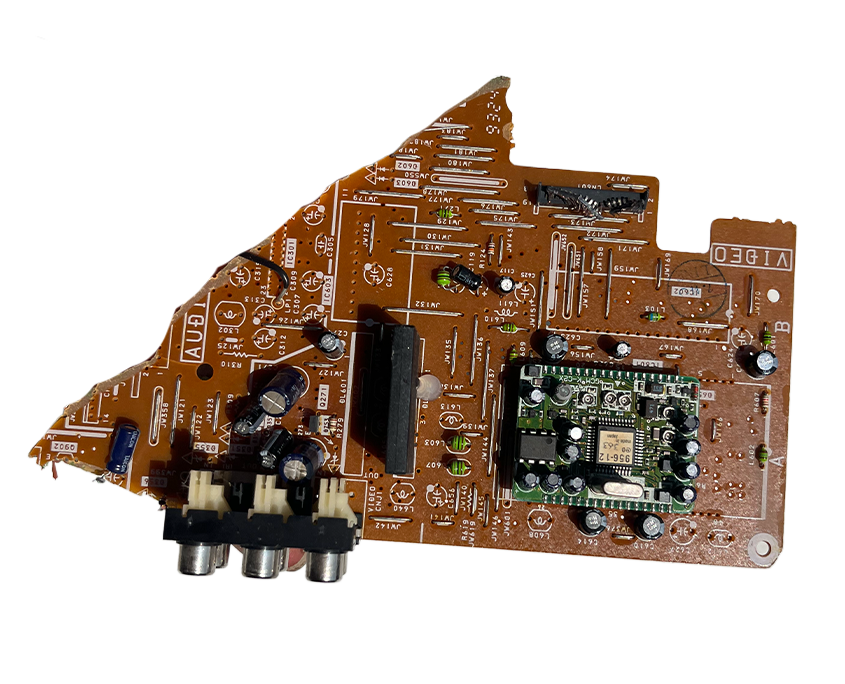
Copper is commonly used in circuit boards and computers. Circuit board recycling and computer recycling is a growing concern for the number of hazardous materials they both contain. The disposal or repurposing of those materials is at the forefront of environmental concern. There are companies that make it their business to properly dispose of copper and other materials that occur in many electronics. This is a process known as ecycling and it can help you recycle copper and other materials safely.

How Does Copper get Recycled?

Recycling or ecycling electronics is easy when you visit licensed facilities with the right equipment. Most professional recycling or ecycling centers have special machines that can extract the copper directly from the product. Circuit board recycling is one of the most common ways people get copper out of a product. It is a fairly common practice as there is a growing awareness for the need to recycle more of the products we use. It also is something the casual recycler can profit off of. Many of the facilities that recycle copper will pay almost as much for used copper as they will for new. It is expensive to buy new copper because it is expensive to mine it so most places will pay top dollar for good quality copper.

Recycling copper starts with collecting any scrap copper from used devices or appliances. Computer recycling and circuit board recycling is quite common. Copper wiring is what can be obtained from most computer recycling and circuit board recycling. Copper pipes can be had from home remodels and can be found at rummage sales.

How much money you can make from copper recycling and the price you will receive for your copper depends on the grade of copper. The grade can be determined by where the copper came from or the degree of wear the copper shows.

What is the Value of Copper?

The grades of copper are one of the main things that determine the value of the copper and how much money you can get for it. The current market for copper will dictate what kind of a price you can get for the copper. If the copper market is not doing well, it can be more economical to wait to recycle the copper if you have the time to wait. 

‘A’ grade Copper

This is the highest grade of copper. The copper is clean and shiny and shows little wear. There will be few or no signs of tarnish or soldering. It should also not be coated copper. This is the highest grade of copper and a scrap metal buyer will pay the highest for the quality of the copper. The copper should be 16 gauge or larger in diameter and should be almost bare of flaws. Most copper pipe is not included in this grade.

First Grade Copper

This type of copper is almost the most profitable type of copper. To be classified as first-grade copper, it should be the wire that is at least 1/16th of an inch in diameter, commutator segments, clippings, or bus bars.

The copper should appear to be clean, uncoated and unalloyed. Copper pipe that is clean can qualify has first-grade copper as long as it does not show any other materials such as paint, soldering, insulation, or fittings. There should be few or no signs of corrosion and any fittings it may have had should have been removed.

Second Grade Copper

Coated copper has very little value. It is usually made of the lowest grade of copper and it often requires additional work to strip it from insulation or be in areas or items where it is difficult to get to it. It is easy to identify by the dirty appearance of it. The size of it should not exceed 16th of an inch in diameter. The metal should also be 94-96 percent copper content. If it has fittings or oxidation as will appear on some tubes, wires, or pipes this is acceptable as long as the damage to the product is not extensive.

‘A’ grade Copper Wire

This is the best type of copper wire for recycling. It is like regular copper pipe and pieces. If it is bright, shiny, and clean than it is more valuable and will pay more. It must be completely clean with no unalloyed wire, uncoated, and 16 gauges or greater in diameter.

First Grade Copper Wire

This wire is also clean or nearly so. It is uncoated, unalloyed, and has not been mixed with other materials like tin. First grade copper wire can be plastic insulated with a gauge or 16 ore larger. It does not need to be stripped, but it should be as shiny and bright as the highest grade of copper wire with few flaws.

Second Grade Copper Wire

This type of copper wire should be plastic wrapped or double insulated. It must be 16 gauge or thinner and unalloyed. This type of wire is generally found in electronics like extension cords or electronics like outlets. For this lower grade of wire, it is fine to have trace amounts of tin or nickel as well as some corrosion. You will not be paid as much for it as if it were clean wire, but still meets the right degree of classification.

Increase the grade by stripping any insulation off the copper as insulation decreases the value of any copper it covers. It is also worth the time in some cases to try to brush up and out many of the visual impurities to get the most for the copper. You can determine the grade of copper you have by appearance, but also by using a magnet to determine whether you have a ferrous or non-ferrous metal.

Ferrous Metal

Ferrous metal is not worth very much. If a magnet sticks to the metal than you have ferrous metal. This type of metal is usually common such as steel or iron. It will be accepted for scraping and it will be recycled properly, but you will not receive much money for it.

Non-Ferrous Metal

Non-Ferrous metals can be common as well, but they are worth more than ferrous metal. A magnet should not stick to these metals. They are usually copper, aluminum, stainless steel, bronze, and brass. These are valuable and you will get more for recycling them properly.

The Environment and Copper

Computer Recycling

Computer recycling is something that needs to be done carefully. A computer has thousands of little pieces that need to be that can be repurposed or remade into other items. Doing so keeps these pieces out of the landfills and keeps the cycle of reusing items going. A good computer recycling center will be able to remove all the toxic substances within a computer. They will also be able to remove the large amounts of copper that are worked into the motherboards and wires that make up a computer.

A good computer recycling center will remove the components that can be salvaged, including a large amount of copper a computer has. They will also make sure that any data still left on the computer gets removed so no trace amount of personal information gets left on them. This is a growing responsibility for recycling companies everywhere as more computer recycling is needed.

Circuit Board Recycling

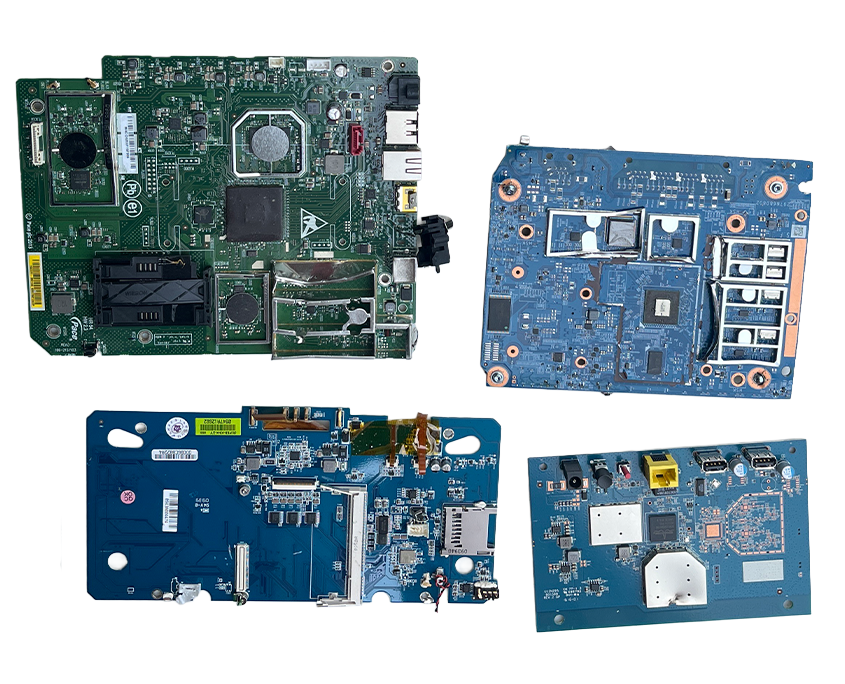
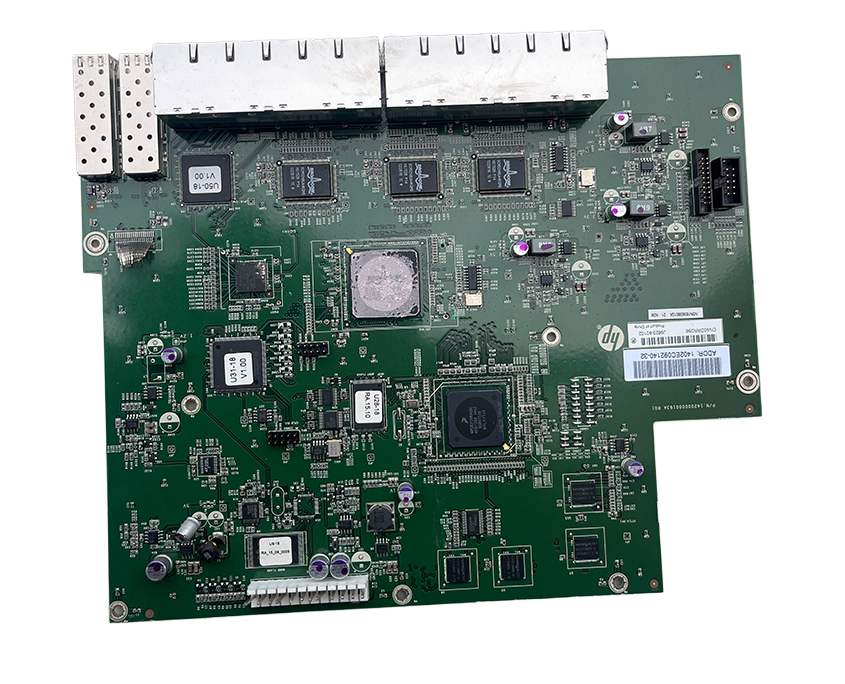
Circuit Board Recycling is good for the environment. It is a way to reclaim multiple types of metals and plastics that make up the circuit board, melt them down and re-purpose them into other products and materials. This helps to reduce the impact these materials have on the environment and help reduce the amount of energy that gets spent to reduce these materials back into working forms. Circuit board recycling is particularly needed because of the number of components that go into their manufacturing. Circuit board recycling is a growing need with the number of electronics being released that eventually end up in landfills.

Many of the metals and materials that make up circuit boards are harmful to the environment. They are full of metals that are precious metals like gold, silver, platinum, and palladium. These metals are easily repurposed into other electronics. The base metals extracted from a circuit board are where you have to be careful. The copper, iron, zinc, tin, nickel, and aluminum need to be separated into their individual components to prevent harmful elements such as barium, beryllium, and polyvinyl chloride (PVC) from ending up in the environment.

Circuit board recycling occurs when it is reduced back to these original components. These original components can then be used in other products. This reduces the need to mine for more of these metals. Copper mining is particularly harmful to the environment, so many recycling centers will pay almost the same price for recycled ‘A’ grade copper as they would for newly mined copper.

E-cycling

E-cycling is one of the latest ways of managing the large numbers of electronics hitting landfills and disposal markets. Electronic recycling reuses, donates, or redistributes electronics that are no longer wanted to areas that can properly dispose of them or repurpose them. The U.S. Environmental Protection Agency (EPA) allows for the following items to be e-cycled:

  • Computers
  • CDs
  • DVDs
  • Stereos
  • Mobile Phones
  • Vacuum Cleaners
  • Computer Peripheral
  • Microwave Ovens
  • Televisions

If the items are still functional and in good working conditions, they are often recirculated to organizations that can make sure people who need them can get them. E-cycling facilities have been set up to make sure these items – especially “smart” items – are dissembled correctly and completely for accurate disposal if they are completely unusable. Circuit board recycling and computer recycling are also e-cycling.

Many of the components of all of these products should not be part of the environment. Find correct and safe ways to handle the large amounts of electronics that are no longer wanted or needed is a growing concern all over the world. Landfills across the globe are filling up with electronics that are not being properly disposed of. There are companies that are taking this concern seriously.

About CJD E-Cycling

CJD E-Cycling is there for you when you need your electronics recycled in a safe and environmentally stable way. We are available to take computers and electronics and reduce them into their components to safely recycle all of them. CJD E-Cycling is a family-owned business that services the Metro East/St. Louis area. We follow the laws and regulations for the State of Illinois. 

CJD takes the security and disposal of electronics seriously. We want to make sure your data is disposed of in a way that keeps you secure while being able to purchase your used scrap metal for a price that works for you. Computer and circuit board recycling is serious. We know that you depend on us to take care of personal information and the environment.

Circuitboards 0000s 0000s 0021 Gold Connector

Circuitboards 0000s 0000s 0020 Gold Memory

Circuitboards 0000s 0000s 0019 Hard Drive Boards

Circuitboards 0000s 0000s 0018 High Grade Boards No Fe

Circuitboards 0000s 0000s 0017 High Grade Motherboard P1p3

Circuitboards 0000s 0000s 0016 High Mid Grade Boards

Circuitboards 0000s 0000s 0015 High Pci Card

Circuitboards 0000s 0000s 0014 High Power Board

Circuitboards 0000s 0000s 0013 Iseries Motherboards

Circuitboards 0000s 0000s 0012 Iseries Network

Circuitboards 0000s 0000s 0011 Laptop Motherboard

Circuitboards 0000s 0000s 0010 Low Grade Board

Circuitboards 0000s 0000s 0009 Low Grade Motherboard

Circuitboards 0000s 0000s 0008 Low Mid Grade Boards

Circuitboards 0000s 0000s 0007 Mid Network Boards

Circuitboards 0000s 0000s 0006 Mid Grade Board

Circuitboards 0000s 0000s 0005 P4 Low Grade Board

Circuitboards 0000s 0000s 0004 P4 Motherboard

Circuitboards 0000s 0000s 0003 Power Board Green

Circuitboards 0000s 0000s 0002 Power Board Brown

Circuitboards 0000s 0000s 0001 Rambus Memory

Circuitboards 0000s 0000s 0000 Silver Memory